Lightweight Project Management Tools for Teams Moving Off Spreadsheets
March 13, 2026
0
There is a moment most teams recognize. The shared spreadsheet that tracks projects has grown to thirty columns, uses color coding that only one person understands, and requires
There is a moment most teams recognize. The shared spreadsheet that tracks projects has grown to thirty columns, uses color coding that only one person understands, and requires a fifteen-minute orientation every time someone new joins the team. Moving to lightweight project management tools at this point is not an upgrade, it is an overdue correction. The challenge is that the jump from spreadsheets to dedicated PM software often feels bigger than it needs to.’
This guide covers what to look for in lightweight project management tools, which options make the transition least painful, and how to avoid the common mistake of replacing a spreadsheet with something just as confusing, only more expensive.’
Why Teams Stay on Spreadsheets Longer Than They Should
Spreadsheets have one undeniable advantage over most project management software: familiarity. Almost everyone on a team knows how to use a spreadsheet. They require no onboarding, no permissions setup, and no vendor account. When a team has used one long enough, it also becomes a flexible record of how the team thinks about its own work, which is both its strength and the source of its eventual failure.’
The limitations that drive teams away from spreadsheets are predictable. Status tracking becomes manual and inconsistent. Ownership is ambiguous when multiple people edit the same rows. There is no notification system, so deadlines pass without reminders. Collaboration requires everyone to work in the same file version, which gets messier as teams grow. And reporting is only as good as the last person who updated the sheet, which is rarely the same day you need the information.’
Lightweight PM tools fix all of these problems without introducing the complexity that makes enterprise project management software feel like a second full-time job.’
What Makes a PM Tool “Lightweight”
The term gets used loosely, but there are a few concrete markers that distinguish genuinely lightweight project management tools from tools that are simply marketed that way.’
Lightweight tools get you from account creation to useful work in under an hour. They have default setups that work for most teams without customization. Their interfaces reduce cognitive load rather than adding it — fewer dropdowns, fewer nested menus, clearer task states. And they do not require a dedicated admin or an IT implementation to get running.’
Importantly, lightweight does not mean limited. The best options in this category handle real project tracking, cross-team visibility, deadline management, and basic reporting. They simply do those things without requiring you to understand a complex permissions hierarchy first.’
The Best Lightweight Options for Teams Leaving Spreadsheets
Trello
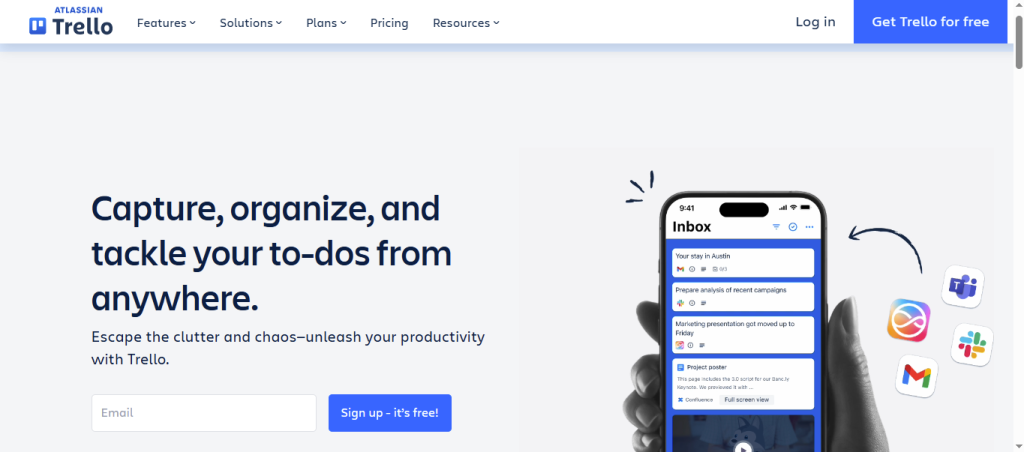
Trello remains one of the most accessible entry points into project management software. Its kanban board model is intuitive enough that most people understand it without a tutorial. Cards, lists, and labels map onto how teams already think about task states. For small teams managing a limited number of concurrent projects, Trello covers the core needs cleanly. Its limitations become apparent when teams need timeline views, cross-project reporting, or tighter workflow automation, but for teams making the initial leap from spreadsheets, it handles the transition well.’
Todoist Business
Todoist Business extends a well-known personal task manager into a team environment. Its list-based interface is about as close to a spreadsheet as a PM tool gets, without the drawbacks. Teams already familiar with Todoist can adopt the business tier with minimal learning curve. Priority levels, recurring tasks, and project sections give structure without complexity. It is best suited for teams managing task-driven work rather than complex multi-phase projects with dependencies.’
Basecamp
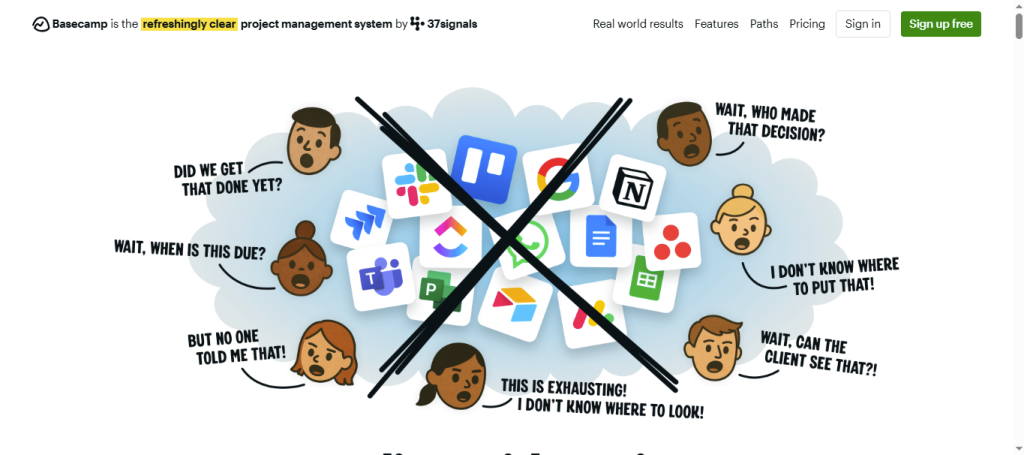
Basecamp takes a deliberately minimal approach to project structure. Each project gets a set of communication and coordination tools: a message board, to-dos, a schedule, a document storage area, and a group chat. There are no complex hierarchies, custom fields, or workflow builders. For teams that find most PM tools overwhelming, Basecamp’s structured simplicity is a genuine relief. Its async-first philosophy also makes it a natural choice for teams that want to reduce meeting overhead alongside switching tools.’
Notion
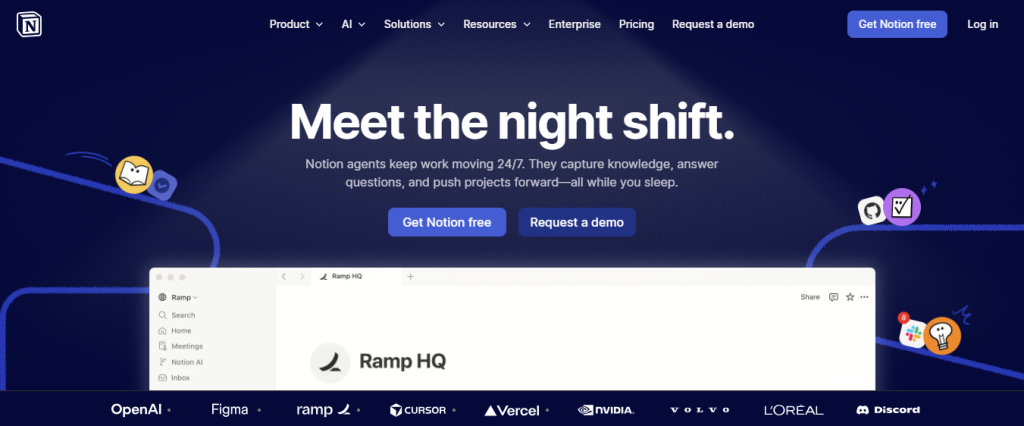
Notion works well as a lightweight PM tool when teams start from a good template rather than building from scratch. Its database views, table, board, calendar, and gallery give teams the flexibility to represent work the way they think about it. The risk is setup investment: Notion requires more initial configuration than Trello or Basecamp to become genuinely useful as a PM tool. Teams that take the time to set up a good project template and task database often find Notion more flexible than dedicated PM tools. Teams that do not often find it as disorganized as the spreadsheet they left behind.’
Monday.com
Monday.com occupies a space between lightweight and full-featured that works well for teams graduating from spreadsheets. Its board structure is familiar, rows and columns, but adds assignment, status tracking, date management, and notifications. The visual similarity to a spreadsheet reduces the initial learning curve. Monday.com also offers strong automation features for teams ready to reduce manual updates, which becomes relevant quickly once teams see how much time they were spending keeping their spreadsheet current.’
Making the Switch Without Losing the Work You Already Have
One of the biggest concerns teams have when moving off spreadsheets is losing the tracking history embedded in their existing files. A practical approach: do not try to import everything. The existing spreadsheet rarely contains as much useful historical data as it feels like it does. Most teams are better served by starting fresh with a defined project structure, migrating only active in-progress work, and using the transition as an opportunity to clean up how tasks are categorized.’
Define status categories before you start entering tasks. Agree on what “in progress” means, what “waiting on” means, and whether completed tasks stay visible or get archived. These decisions take thirty minutes to make together and save hours of confusion later.’
Adoption Is More Important Than Features
The best lightweight project management tool is the one your team will actually use. This sounds obvious, but it has real implications. A tool with slightly fewer features that your team adopts fully is more valuable than a more powerful platform that three people use and five people avoid. When evaluating options, weight simplicity of daily use heavily, especially if the team has been skeptical of PM tools in the past.’
For teams considering whether a lightweight tool is enough or whether they need more robust PM infrastructure from the start, the breakdown of how different project management approaches compare in our overview post, best project management tools 2026, provides a useful reference for understanding where lightweight tools fit in a broader stack.’
Bottom Words
Lightweight project management tools solve the core problems that push teams off spreadsheets, unclear ownership, missed deadlines, and inconsistent status tracking, without replacing one form of confusion with another. Trello, Basecamp, Monday.com, and Notion each offer accessible entry points that fit different working styles. The goal is not to find a tool with the longest feature list. It is to find one that makes your team more coordinated next week than it is today, without requiring a three-day onboarding process to get there.’