Best Project Management Tools for Software Teams: Sprints, Bugs, and Releases
March 12, 2026
0
Software teams operate under a set of constraints that generic project management tools handle awkwardly. Sprints have different rhythms than standard project timelines. Bugs arrive without warning and
Software teams operate under a set of constraints that generic project management tools handle awkwardly. Sprints have different rhythms than standard project timelines. Bugs arrive without warning and need to be triaged alongside planned work. Releases depend on dependencies that shift, sometimes overnight. The best project management for software development accounts for these realities rather than expecting engineering teams to adapt their workflow around a tool built for something else.’
This comparison covers the tools software teams actually use and why they use them, focusing on how each platform handles the three things that matter most in dev environments: sprint planning, bug tracking, and release coordination.’
What Software Teams Actually Need From a PM Tool
Engineering teams care about fewer things more deeply than other teams tend to when selecting PM software. They want speed, minimal overhead, and a tool that fits into how developers already work — rather than requiring constant context switching.’
The specific requirements that surface most often across software teams include issue-level granularity, clear sprint boundaries, easy triage workflows, and integrations with code repositories. A PM tool that forces developers to duplicate information across systems or manually translate technical states into non-technical statuses tends to get abandoned quickly.’
It is also worth noting that software teams are rarely homogenous. Product managers, QA engineers, frontend developers, and engineering leads often have different visibility needs within the same project. The right dev PM tool serves all of them without requiring each person to maintain a separate view of work.’
Comparing the Top Options for Software Teams
Jira
Jira remains the most widely deployed project management tool in software organizations, and its depth in sprint management is genuinely strong. Custom workflows, epics, story points, velocity charts, and release tracking have been refined over years of use by engineering teams of all sizes. Its integrations with GitHub, Bitbucket, and other developer tools keep code context connected to project context. The friction point for many teams is configuration overhead, Jira rewards careful setup, but it also punishes careless setup, and new teams sometimes struggle to find an initial configuration that works without a dedicated administrator.’
Linear
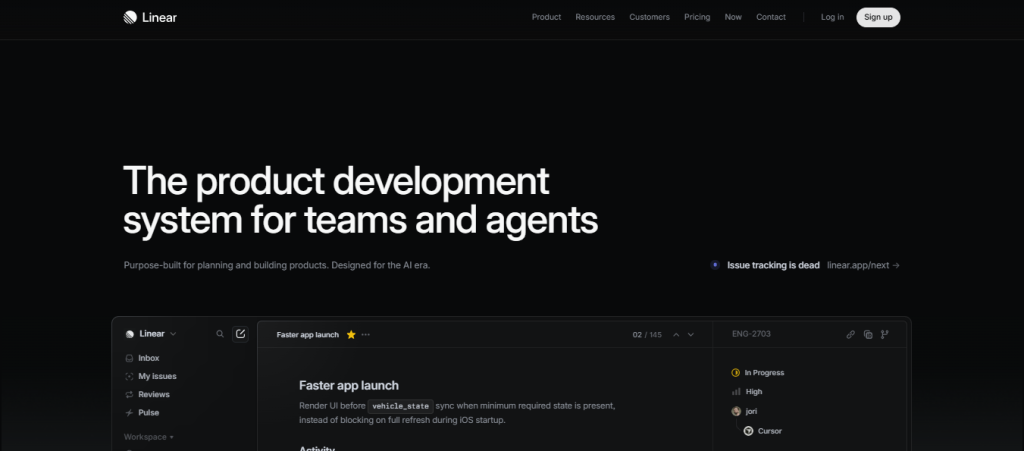
Linear has become a serious contender among product and engineering teams that find Jira too heavy for their workflow. Its interface is fast, its default workflows are sensible, and its cycle and iteration management gives teams a clean sprint-like structure without requiring extensive configuration. Linear treats issues as first-class citizens, searchable, filterable, and easy to triage. Its GitHub integration is tight, linking commits and pull requests to issues with minimal setup. The main limitation is depth: for very large, compliance-heavy, or highly customized workflows, Linear may not offer the flexibility that enterprise engineering teams require.’
Shortcut
Shortcut occupies a practical middle ground between the complexity of Jira and the simplicity of Linear. It supports epics, stories, iterations, and milestones in a hierarchy that feels natural to engineers while remaining accessible to non-technical stakeholders. Bug tracking is handled well, with enough categorization depth to separate production issues from technical debt without creating noise. Teams that have left Jira for being too complex but find Linear too opinionated often land on Shortcut as a comfortable compromise.’
GitHub Projects
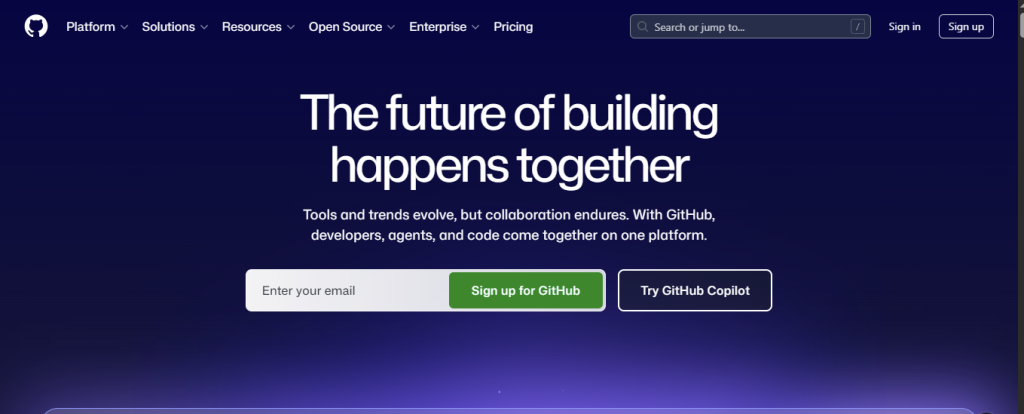
For teams that live in GitHub, GitHub Projects has improved significantly as a PM layer. It offers board views, table views, iteration support, and deep integration with issues, pull requests, and code reviews. The appeal is obvious: when your source of truth for code is also your source of truth for tasks, context loss between systems disappears. The limitation is that GitHub Projects is genuinely best suited for teams that use GitHub for nearly everything. Teams with non-engineering stakeholders, product managers, or clients who need access may find its interface less accessible than dedicated PM tools.’
Notion + Integrations
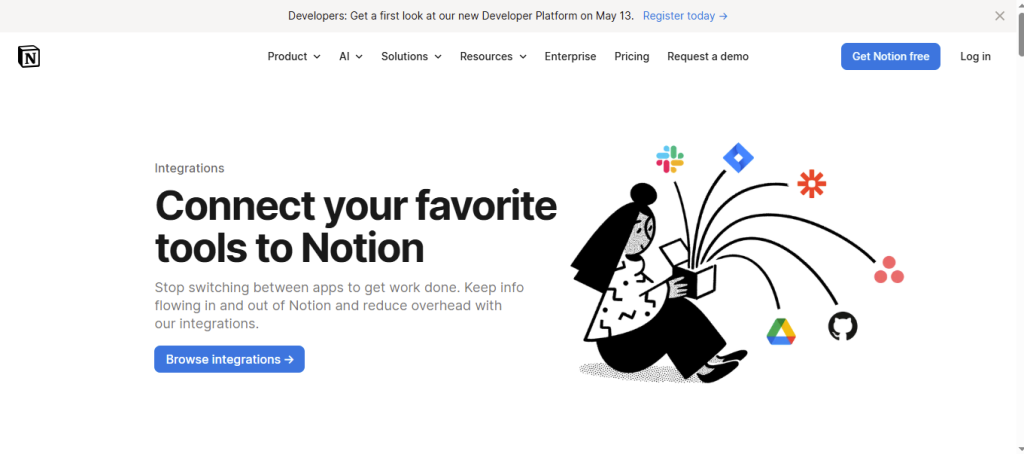
Some software teams build their project management layer inside Notion, particularly when documentation and development planning are closely intertwined. Notion databases with sprint views, linked bug reports, and release notes work for smaller teams that value consolidated documentation. As team size grows, however, the limitations of Notion as a project management tool become more apparent. So that filtering is less powerful, automation is limited, and the lack of native code integrations requires additional tooling to connect the development pipeline.’
Sprint Planning: What Good Looks Like
The sprint planning experience varies significantly across tools. At its best, sprint planning in a PM tool means pulling from a prioritized backlog, estimating work, assigning ownership, and committing to a two-week scope in under thirty minutes. At its worst, it means manually moving tickets between views, updating statuses across multiple lists, and spending more time managing the tool than thinking about the work.’
Linear and Jira both handle sprint-style planning well, though differently. Jira gives you more control; Linear gives you more speed. Shortcut sits between them. The choice often comes down to how much ceremony your team’s sprint process involves and how technical your non-engineering collaborators are.
Bug Tracking: Keeping Production Issues Visible
Bug tracking is where the gap between developer-native tools and general PM software shows most clearly. Engineering teams need to triage incoming bugs by severity, assign them to the right sprint or backlog category, and connect them to the code changes that caused or fixed them. General PM tools that treat bugs as ordinary tasks often lose this context.’
Tools like Jira and Linear handle severity classification, labels, and version tracking in ways that map naturally to how engineering teams think about production issues. For teams managing high-volume bugs, the ability to filter by severity, reporter, component, and sprint simultaneously is not optional, it is how triage actually works.’
Release Coordination: Connecting Code to Timelines
Release management in PM tools ranges from basic version labels to full release tracking with changelogs, dependency management, and stakeholder visibility. Software teams that ship to production frequently need PM software that connects sprint completion to release readiness without requiring a separate release management process.’
This is an area where Jira’s release features genuinely stand out for larger teams, while Linear’s cycles offer a lightweight alternative for teams with simpler release cadences. For teams building the rest of their onboarding and release coordination infrastructure, the coverage of lightweight and async-friendly tools in our piece on best project management for remote teams covers some of the workflow considerations that apply equally to distributed engineering teams.’
Integrations That Matter for Engineering Teams
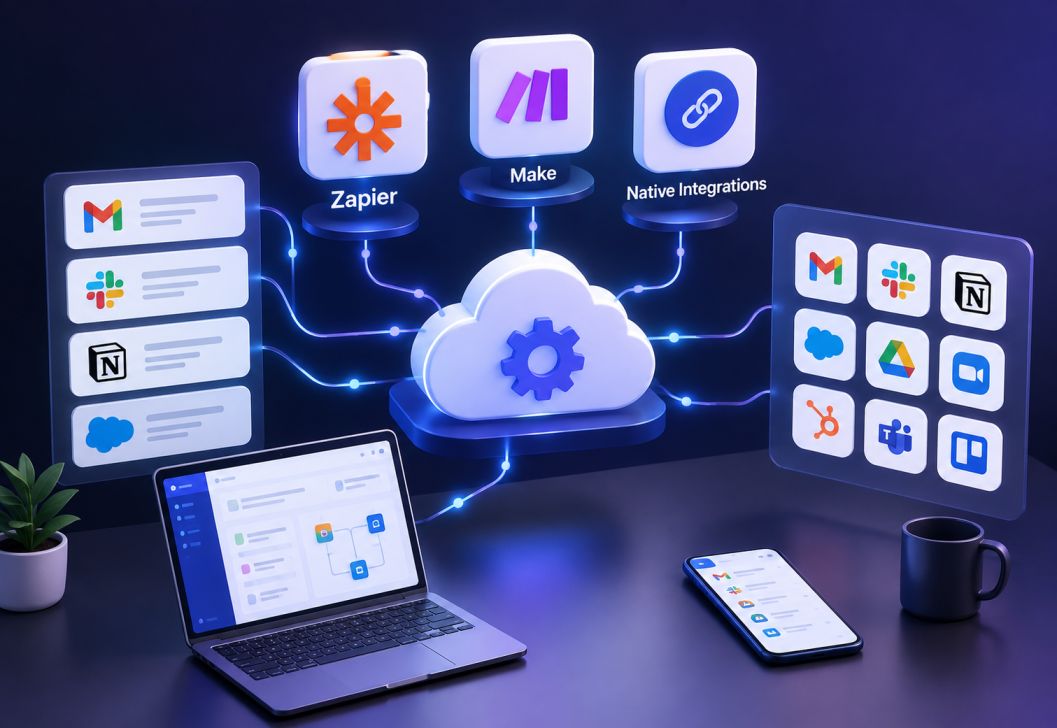
No PM tool for software teams operates in isolation. The integrations that matter most include: version control systems like GitHub or GitLab for linking commits to issues; CI/CD pipelines for surfacing build status in project context; Slack or similar communication tools for notifying on status changes; and documentation tools for keeping architectural decisions connected to the work they inform.’
The quality of these integrations often matters more than which specific tools they connect. A native, well-maintained GitHub integration beats a fragile third-party Zapier connection every time.’
Wrapping Up
The best project management for software development does not try to replicate a physical whiteboard or fit engineering workflows into a generic task list. It gives developers fast issue management, sprint visibility, and release context, while giving product managers and stakeholders enough transparency to follow along without requiring constant status meetings. Linear, Jira, and Shortcut each handle this well in different ways, and the right choice depends on your team size, workflow complexity, and how tightly you want your PM tool integrated with your code repository.