
Free SaaS Tools That Are Actually Production-Ready in 2026
- April 3, 2026
- 0
Most “free SaaS tools” fail the moment you try to use them seriously. They look promising at first. Then you hit limits, restricted features, weak performance, or forced
Most “free SaaS tools” fail the moment you try to use them seriously. They look promising at first. Then you hit limits, restricted features, weak performance, or forced

Most “free SaaS tools” fail the moment you try to use them seriously.
They look promising at first. Then you hit limits, restricted features, weak performance, or forced upgrades. As a result, teams either abandon them or waste time migrating later.
However, that’s not the full picture anymore.
In 2026, a new wave of free SaaS tools has emerged. These tools are not just trial versions. Instead, they are production-ready platforms that real teams rely on daily. Especially for those looking for the best SaaS tools for bootstrapped companies, these free tiers provide a way to scale without upfront capital.
So if you’re building, testing, or scaling without a budget, this list will save you both time and costly mistakes.
Before jumping into tools, let’s define the standard.
A tool is not production-ready just because it’s free.
Instead, it must:
In short, it should work in a live environment, not just a demo setup.
Free tools used to act as bait. Today, they act as growth engines.
Why?
Because SaaS companies now compete on adoption first, revenue later. Therefore, they offer real value upfront.
As a result:
This shift creates an opportunity if you choose the right tools.
This list focuses on tools that teams actively rely on—not just experiment with.
Notion has quietly become a core system for many startups.
Unlike traditional tools, it replaces multiple systems at once. Therefore, teams reduce costs while improving organization.
What makes it production-ready:
Where it fits best:
Most free CRMs feel limited. HubSpot doesn’t.
Its free version supports real sales pipelines. As a result, teams can operate without upgrading immediately.
Production-ready strengths:
Where it fits best:
Many assume Slack becomes useless without paying. That’s not entirely true.
If used correctly, the free version supports real communication workflows.
Why it still works:
Limitations (but manageable):
Best use case:
Trello often gets dismissed as “too simple.” However, that simplicity is its strength.
Teams that avoid overcomplication can run full workflows on it.
Production-ready advantages:
Where it fits best:
Design used to be expensive. Canva changed that permanently.
Even its free plan delivers professional-grade output.
Why it’s production-ready:
Best use case:
While not always labeled as SaaS, Google’s free tools remain essential. They remain a staple for software teams managing sprints and bugs who need quick, collaborative document sharing.
Plus,they work because they are:
Core tools:
Why they remain production-ready:
Airtable offers more power than spreadsheets, yet stays accessible.
Although the free tier has limits, it still supports real workflows.
Production strengths:
Best use case:
Automation is no longer optional. However, many teams assume it requires budget.
Zapier’s free plan proves otherwise.
What makes it useful:
Limitations:
Best use case:
Using free tools randomly creates chaos. Instead, build a system.
Here’s a practical stack:
This combination covers most startup needs without spending anything.
Free tools are powerful. However, they are not permanent solutions.
You should upgrade when:
In other words, upgrade based on need—not pressure.
Even great tools fail if used incorrectly.
Many teams avoid investing time in setup. As a result, workflows break later.
Small limits become big problems at scale.
More tools create more complexity, not efficiency.
Eventually, you may need paid tools. Plan ahead to avoid disruption.
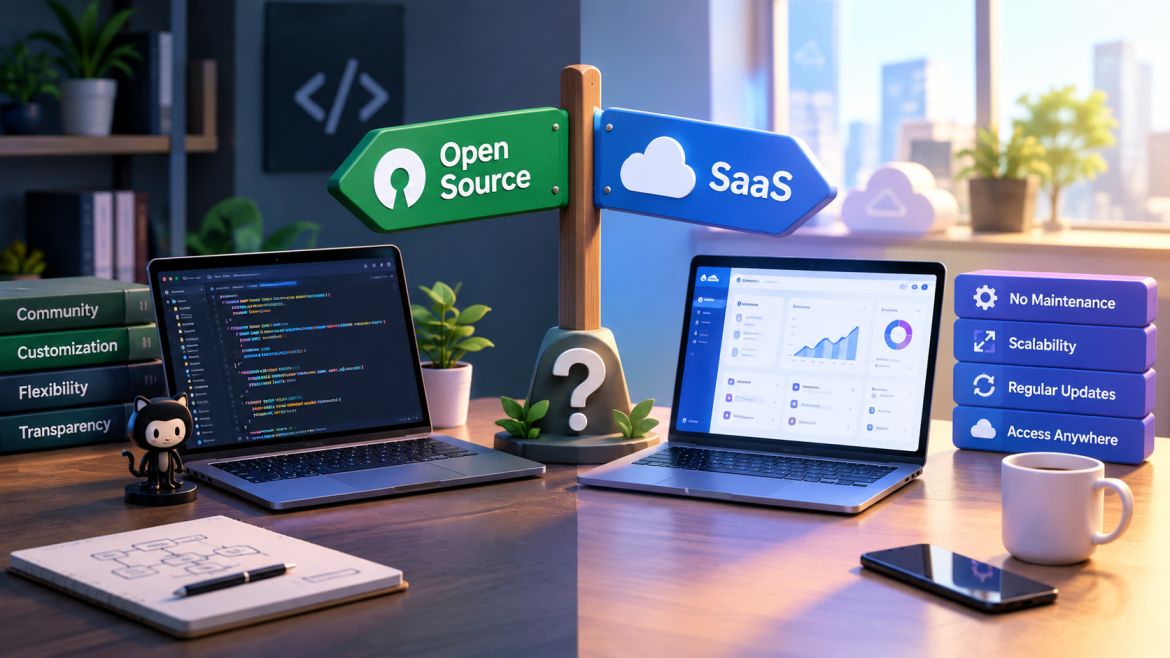
This depends on your stage.
The smartest teams combine both.
The biggest mistake teams make is underestimating free tools.
In 2026, many of them are:
However, success doesn’t come from the tools alone.
It comes from:
If you approach free SaaS strategically, you can build a system that supports real growth without spending anything upfront.