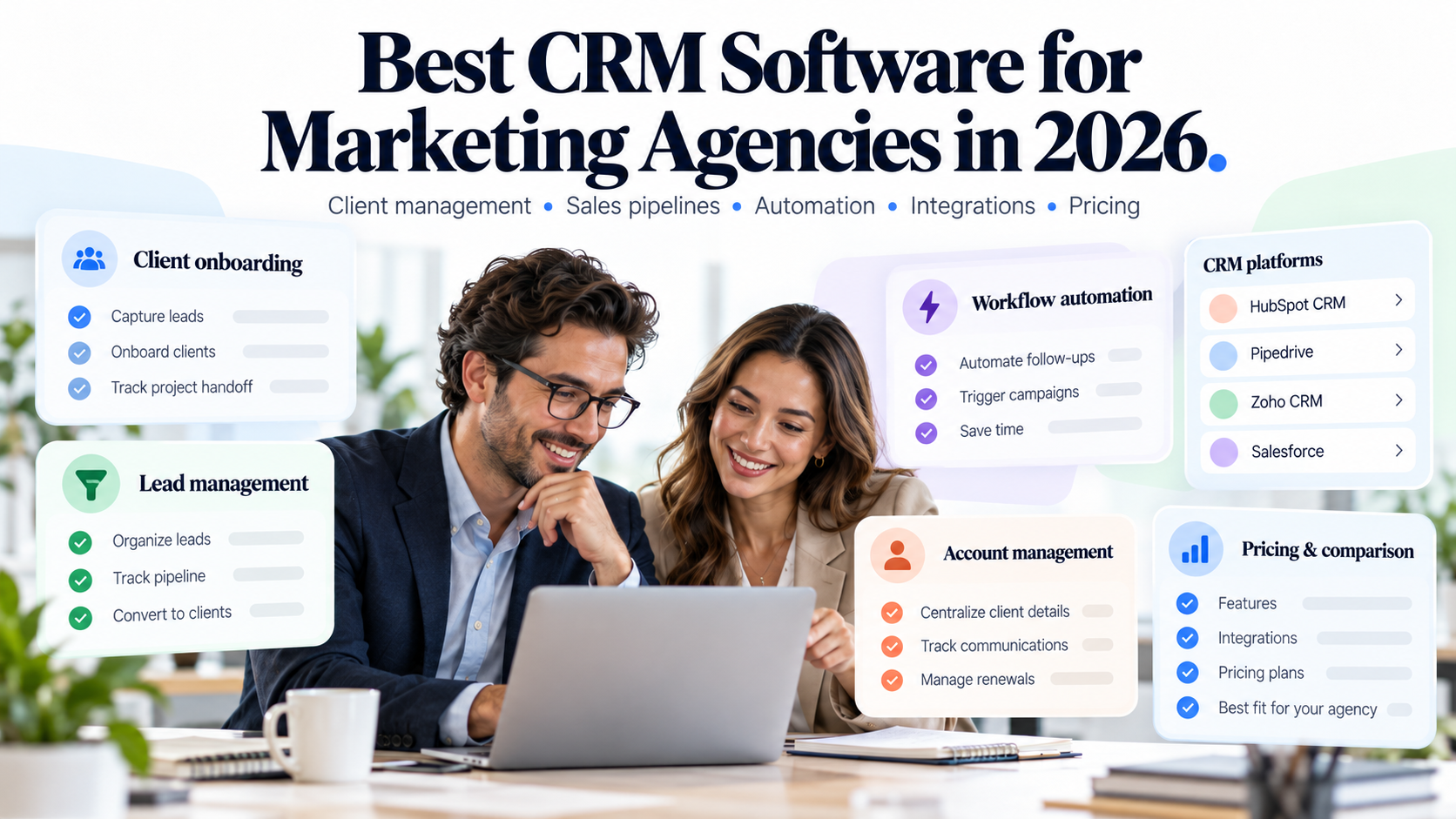
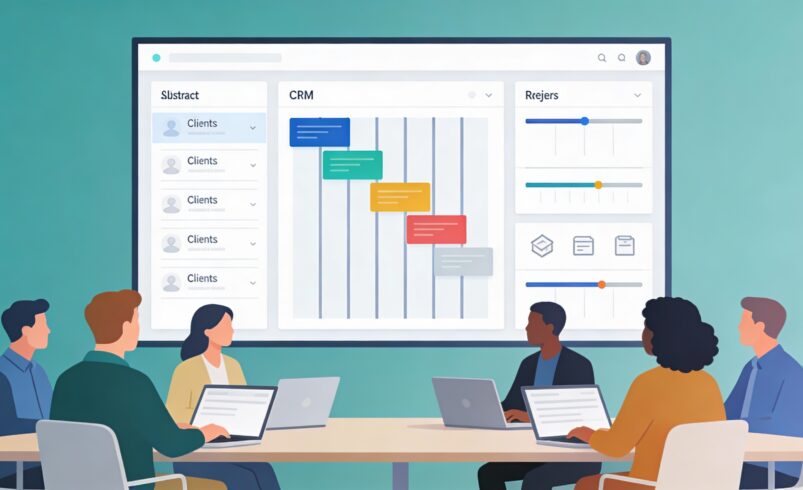
Agency life is fundamentally different from selling a single product. You juggle multiple clients, each with their own projects, budgets, timelines, and communication preferences. A CRM built for agencies does not just manage contacts; it manages relationships across billable hours, project phases, renewal cycles, and the messy reality of running a services business on retainers.
The best CRM for agencies bridges client management, project context, and internal collaboration without forcing you into a tool that prioritizes lead velocity over client health.
This guide focuses on what makes a CRM suitable for agency workflows, then walks through how different tool categories serve different agency types and revenue models.
What Sets Agency CRM Needs Apart From Other Business Models
If you have worked in both agency and product companies, you know the tension is real. Product sales teams care about pipeline, close rates, and expansion revenue. Agency teams care about utilization, client satisfaction, and whether the renewal conversation happens before the contract ends.
A typical agency CRM challenge looks like this: your account manager owns three clients, each with multiple projects in flight. Client A is on a retainer and needs monthly planning; Client B paid for a one-off project that is ending in three weeks; Client C is an upsell prospect that has been with you for two years but has never bought the premium offering. The same contact—perhaps a marketing director—might be associated with two of those clients in different roles.
On top of this, your team needs visibility into what is being delivered, when invoices go out, and where any client relationships are at risk of lapsing. A CRM that excels at agencies solves these problems without requiring a separate project management tool, financial system, or spreadsheet layer.
The key agency-specific CRM needs:
- Multi-client contact architecture – Contacts tied to multiple organizations, with clear role and relationship type (primary contact, stakeholder, decision maker, procurement).
- Project and engagement tracking – A way to see active work, phases, deliverables, and timelines tied to contracts and revenue.
- Renewal and upsell visibility – Alerts and pipeline views that surface when contracts are expiring, when retainers are coming due, and which accounts are at risk.
- Retainer and recurring revenue models – Flexibility to represent ongoing services, monthly billing, and success-based pricing, not just one-time sales.
- Team collaboration on accounts – Ability for multiple internal team members (account managers, delivery leads, finance) to see and update account health without stepping on each other.
These requirements push you toward agency-specific CRM platforms or highly flexible general CRMs, not necessarily the most popular options in the market.
The Agency CRM Landscape: Four Distinct Tool Categories
When you look at the CRM options available to agencies, they cluster into four main types, each with different strengths and limitations.
1. Purpose-Built Agency CRM Platforms
Some vendors build CRMs specifically for service businesses and agencies, baking in project tracking, time billing, and retainer management from the ground up.
- These are designed for the full agency lifecycle: new business, onboarding, project delivery, invoicing, and renewal management.
- They often include related tools like time tracking, project management, and financial reporting, either natively or with tight integration.
Strengths:
- Out-of-the-box workflows for agency revenue cycles.
- Clear visibility into project health and utilization.
- Retainer and recurring revenue modeling built in.
Trade-offs:
- May feel heavy or over-engineered if you have a very simple agency model.
- Switching from a general CRM can require data migration and retraining.
- Pricing can escalate with team size and project volume.
2. Flexible General CRMs With Account Depth
Some general CRM platforms offer enough customization and account-level sophistication that agencies can adapt them to fit their workflow without feeling like a poor fit.
- These platforms let you create custom fields, objects, and relationships to model client work, projects, and revenue separately from lead-focused pipelines.
- They trade some agency-specific automation for maximum flexibility.
Strengths:
- Highly customizable to your specific agency model.
- Often have strong reporting and analytics.
- Good integrations with other business tools (project management, invoicing, etc.).
Trade-offs:
- Require more setup time to configure for agency workflows.
- May need admin support to maintain custom fields and automations.
- The learning curve is steeper than purpose-built agency tools.
3. Lightweight Contact and Account Managers
Some agencies choose to run on very lean CRM tooling—basically contact and account management—and layer in project management and invoicing separately.
- These are simpler, cheaper, and faster to set up.
- They work well for agencies that are comfortable with a multi-tool stack.
Strengths:
- Quick onboarding, minimal configuration needed.
- Lower cost, especially for small teams.
- Easy to use and understand for new team members.
Trade-offs:
- Fragmented visibility—you end up checking multiple tools for client health.
- No native project or invoicing context.
- Data silos between CRM and project management tools.
4. Hybrid Platform Suites
A few larger vendors offer modular suites combining CRM, project management, and financials as separate but linked products within one ecosystem.
- You use CRM for client relationships, a project module for work tracking, and a finance module for billing—all with shared data.
- This avoids the multi-tool fragmentation while staying within a single vendor.
Strengths:
- Unified data and shared client context across teams.
- Reduced integration complexity.
- Single contract and support relationship.
Trade-offs:
- Moving between modules requires navigation and context switching.
- Often comes at enterprise pricing.
- Can be overkill for agencies that only need light project tracking.
Matching CRM Tools to Different Agency Models
Agencies are not uniform. A digital marketing agency, design studio, management consultancy, and freelance services firm all have different revenue patterns, client lifecycles, and team structures. The best CRM for one may not fit another.
Model 1: Project-Based Services Agency
Profile:
- You sell discrete projects (a website redesign, a branding campaign, a one-time consulting engagement) to multiple clients.
- Revenue is project-centric: clients sign contracts for specific work, deliverables, and timelines.
- Upsell potential comes from new projects or expanded scope, not ongoing support.
What matters most:
- Clear project tracking tied to contract value and timeline.
- Ability to see which clients are coming up for renewal or new project discussions.
- Integration with project management so team members know what is being delivered.
Best fit:
Purpose-built agency CRM platforms or flexible general CRMs customized with project objects. The key is that your CRM should understand the connection between client, contract, and project.
Model 2: Retainer-Based or Managed Services Agency
Profile:
- You sell ongoing services: managed IT, ongoing marketing support, monthly consulting hours, or recurring maintenance.
- Revenue is predictable and recurring; contracts are long-term.
- The focus is on retention, utilization, and expansion within existing accounts.
What matters most:
- Contract and renewal tracking so you never miss an expiration date.
- Utilization and capacity planning—knowing if your team is over-allocated or under-utilized on a client.
- Account health scoring based on usage, satisfaction, or engagement signals.
Best fit:
Agency-specific CRM platforms that specialize in retainer models and recurring revenue. These tools usually have strong contract and renewal automation, which is critical for this model.
Model 3: Hybrid or Mixed-Model Agency
Profile:
- You have both project-based and retainer business, or you sell projects with optional ongoing support.
- Revenue is mixed; the challenge is managing both models on the same client relationships.
- Account managers need to see both types of work and revenue.
What matters most:
- Flexibility to model both contract types—not just one or the other.
- Clear visibility into which clients have active projects and which have retainers.
- Ability to cross-sell: when does a project client become a retainer opportunity?
Best fit:
Flexible general CRMs with strong customization or hybrid suites that let you layer both project and retainer views. You need a CRM that does not force you to choose one revenue model.
Key Features to Evaluate in an Agency CRM
When comparing CRM options for your agency, focus on these evaluation points beyond the standard feature list.
Account Structure and Multi-Contact Relationships
Can the CRM represent one contact across multiple client organizations or roles? If your primary contact moves from Client A to Client B, does the system maintain the relationship history, or do you lose context? Look for systems that separate “contact” from “account relationship” so that people, not just companies, are the atoms of your CRM.
Contract and Renewal Automation
Does the CRM alert you when contracts are coming up for renewal? Can you set renewal dates, track renewal opportunities as separate deals or events, and automate renewal reminders to sales or account teams? For retainer agencies, this is often a deal-breaker feature.
Project and Engagement Context
Is there a native project or engagement object in the CRM, or do you have to bolt on a separate tool? If native, can you link projects to contracts, budgets, and revenue? If you are integrating with a project management tool, is the sync real-time or batched, and do account managers see project updates in the CRM or have to jump to another tool?
Team Collaboration and Access Control
Can delivery leads, account managers, and finance team members all see the same client record with their respective information (project status, contract terms, invoicing history) without duplicating data? Role-based permissions are essential so that not everyone can edit contracts or delete project history.
Integration With Tools You Already Use
If you are currently using a project management tool, invoicing system, or time tracking platform, how does the CRM connect? Tight integrations (native connectors or APIs) reduce manual data entry and keep everyone on the same page. Loose integrations or no integrations mean you will be manually syncing data or accepting silos.
Common Mistakes Agencies Make When Choosing a CRM
Agencies often make predictable mistakes when evaluating CRMs. Knowing what to avoid can save you months of frustration.
- Choosing a product-sales CRM and expecting it to work for services – Lead pipelines and close rates are not the same as utilization and renewal. A CRM built for SaaS sales often misses the core workflows of service delivery.
- Ignoring the project management integration problem – Picking a CRM without a clear path to share project data leads to information silos and duplicate work for your team.
- Underestimating the importance of contract and renewal tracking – Until you have missed a renewal by weeks, it does not feel urgent. Once you have, you will understand why this feature is critical.
- Not involving delivery and finance teams in CRM selection – If only sales picks the CRM, the other teams will avoid using it. You need input from account managers, delivery leads, and finance on what they need to see and do.
- Choosing a tool that requires too much customization – If you need a systems integrator to set up the CRM, the total cost and timeline become untenable. Favor platforms that come agency-ready or require minimal configuration.
The best CRM for agencies is one that your entire team—not just sales—actually uses every day because it reflects how you actually run the business.
Finding the Right Fit for Your Agency
The process of finding the best CRM for agencies is less about hunting for the most feature-rich option and more about finding a platform that understands how agencies generate and retain revenue. Purpose-built agency CRM platforms come pre-wired for your workflows; flexible general CRMs let you customize to your specifics; lightweight tools keep things simple but fragment your data; hybrid suites offer integration but at higher cost and complexity.
Before you commit, map your current challenges: What information is getting lost between systems? Which client renewals do you worry about? Where is your team spending time on admin work instead of client work? The CRM that solves the most pressing of those problems while staying manageable for your team size is likely the right choice.
When you land on the right platform—one that feels natural to your team and surfaces the client health and financial information you need to make decisions—you will wonder how you ever managed without it.